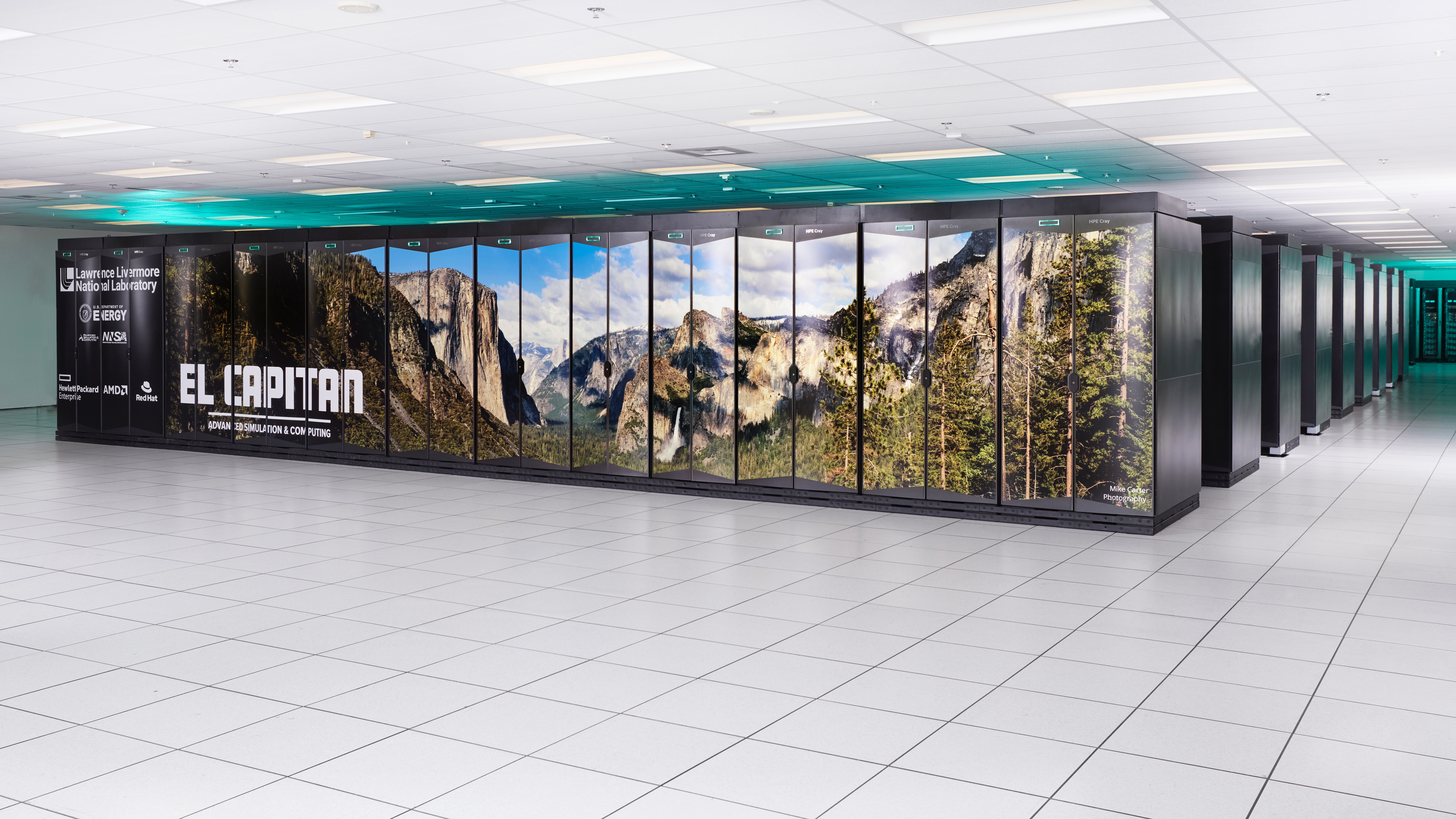
Implementing the SUNDIALS Suite for Solving Differential Equations
[latexpage] The SUNDIALS (SUite of Nonlinear and DIfferential/ALgebraic equation Solvers) suite, with its component CVODE, is an award-winning set of open source ODE solvers from Lawrence Livermore National Labs. It is highly regarded in the scientific computing community for solving ordinary differential equations (ODEs). CVODE, specifically, is designed to handle both stiff and non-stiff systems efficiently through variable step size and order methods, using Backward Differentiation Formulas (BDF) for stiff problems and Adams-Moulton formulas for non-stiff problems. This adaptability makes CVODE extremely valuable for a wide range of applications in chemical kinetics, biological systems, and engineering dynamics where the characteristics of the system can change dramatically over the simulation period. CVODE’s ability to integrate with various linear solver libraries and its support for root finding makes it an all-encompassing tool for researchers and engineers needing robust, flexible solutions to complex ODEs in their models. Its extensive features and reliable performance underpin its cherished status in solving differential equations efficiently and accurately. It is therefore important to leverage this highly optimized component, through use of examples, in both MATLAB and our own set of differential equations.
Installing and Configuring on WSL Ubuntu
Follow the procedure below to install SUNDIALS (and hence CVODE) as documented in this informative Medium article. In fact, if you hate all those garbage paywalls forcing you to pay the \$5 monthly subscription, just copy(paste) the Medium link into archive.is to retrieve the archived website, circumventing the need for extensions or fancy scripting. In your WSL Ubuntu terminal type:
cd ~
wget https://github.com/LLNL/sundials/releases/download/v7.2.1/sundials-7.2.1.tar.gz
mkdir sundials
tar -xzvf sundials-7.2.1.tar.gz -C sundials/
The above commands download and extract the sundials files to the /sundials directory. Now make use of cmake (which you should have installed by now) by typing the following commands:
cd sundials
mkdir build-sundials-7.2.1
sudo mkdir /opt/sundials
sudo mkdir /opt/sundials/examples
sudo chown $USER -R /opt/sundials/
INSTDIR=/opt/sundials
sudo apt-get install -y libopenblas-dev
cd build-sundials-7.2.1
cmake -DLAPACK_ENABLE=ON -DSUNDIALS_INDEX_SIZE=64 -DCMAKE_INSTALL_PREFIX=\$INSTDIR -DEXAMPLES_INSTALL_PATH=\$INSTDIR/examples ../sundials-7.2.1
Finally make and install and you have a fresh new SUNDIALS to play with! All code and examples are located in your /opt/sundials/examples/ folder for modification. You will need to navigate to the appropriate example and modify the c code, then run make and finally make install to compile and link the prebuilt executables (<executable example>). See the next walkthrough for details on how to solve ordinary differential equations.
make
make install
./<example binary>Install (WSL Ubuntu)
cd ~
wget https://github.com/LLNL/sundials/releases/download/v7.2.1/sundials-7.2.1.tar.gz
mkdir -p sundials && tar -xzvf sundials-7.2.1.tar.gz -C sundials/
cd sundials && mkdir build-sundials-7.2.1
sudo mkdir -p /opt/sundials /opt/sundials/examples && sudo chown $USER -R /opt/sundials
INSTDIR=/opt/sundials
sudo apt-get install -y libopenblas-dev
cd build-sundials-7.2.1
cmake -DLAPACK_ENABLE=ON -DSUNDIALS_INDEX_SIZE=64 -DCMAKE_INSTALL_PREFIX=$INSTDIR -DEXAMPLES_INSTALL_PATH=$INSTDIR/examples ../sundials-7.2.1
make -j && make install
Run an example
export LD_LIBRARY_PATH=$INSTDIR/lib:$LD_LIBRARY_PATH
$INSTDIR/examples/cvode/serial/cvRoberts_dns
Linking tips
Prefer a permanent rpath in your Makefile: -Wl,-rpath,$INSTDIR/lib to avoid setting LD_LIBRARY_PATH.